Multilingual shoppers
Support customers and employees across English, Chinese, Korean, Japanese, and local store vocabulary.
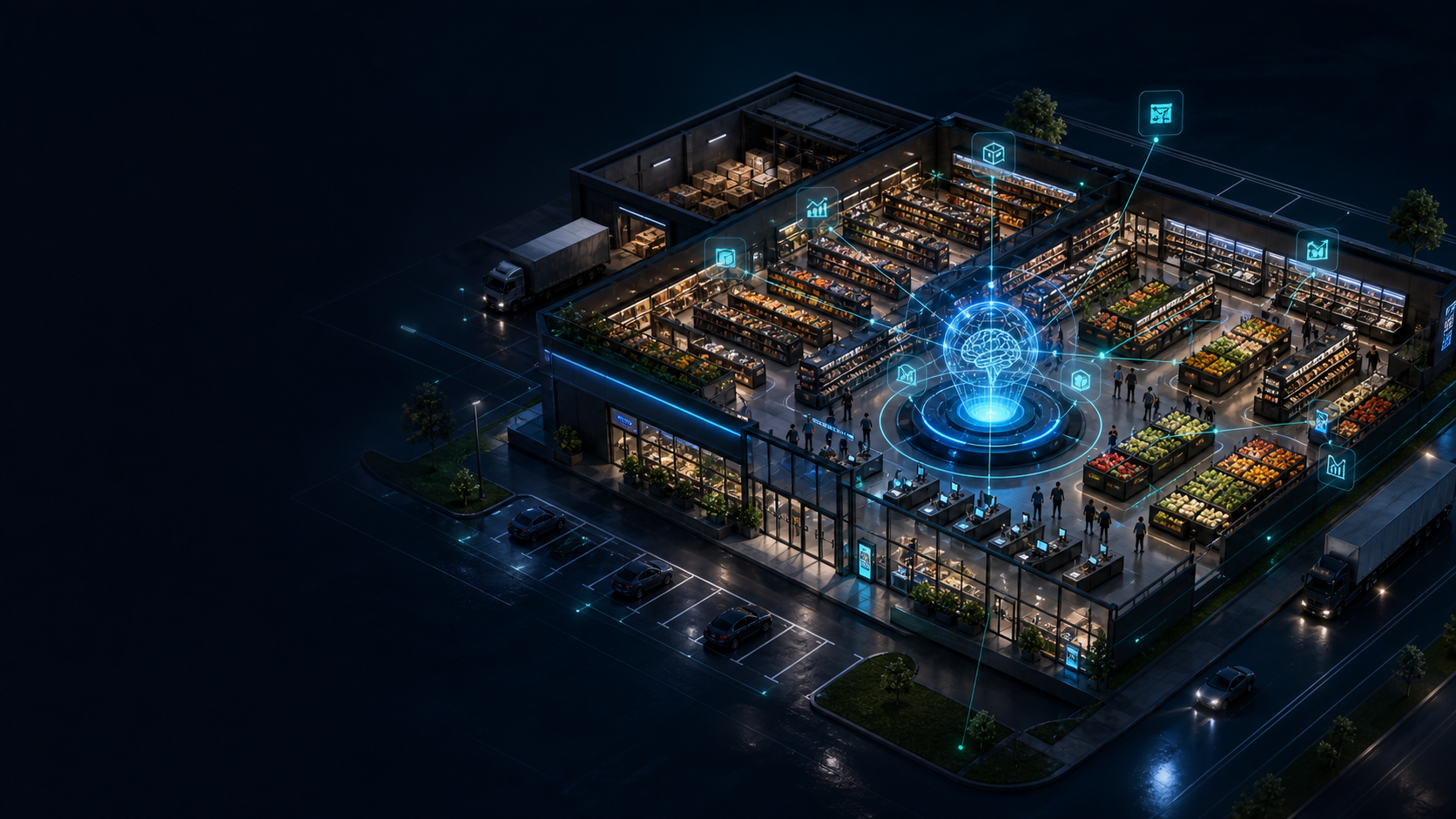
Practical AI for real supermarket operations
ActionTech AI helps supermarkets modernize product data, customer service, store operations, inventory, and supply chain with measurable AI pilots.
Why this category
Support customers and employees across English, Chinese, Korean, Japanese, and local store vocabulary.
Normalize fresh, prepared, imported, seasonal, and weighed items into usable product intelligence.
Detect stockouts, waste, queue pressure, task gaps, supplier variance, and store-level execution risks.
Solutions
Start with store diagnosis and product data, then deploy agents, store intelligence, and supply chain optimization where ROI is measurable.
Assess data readiness, operating risks, retrofit ROI, and pilot candidates.
Build multilingual product intelligence across names, categories, uses, allergens, and substitutes.
Answer product, membership, order, return, and training questions with human-controlled actions.
Track shelf availability, SOP execution, queue pressure, and task workflows without facial recognition by default.
Optimize replenishment, supplier variance, routing, fresh food forecasts, and seasonal demand.
Create targeted offers, shopping journeys, and retention programs tied to measurable growth.
Platform
Pilot program
Begin with three representative stores and expand only after operational KPIs prove the model.
Map systems, data gaps, workflows, risks, and pilot priorities.
Deploy agents, store intelligence, and supply chain tests in controlled environments.
Package KPI evidence, data models, SOPs, and partner integration paths.
Partners
We collaborate across AI agents, computer vision, POS, loyalty, supply chain, cloud, edge, and store operations platforms.
About
ActionTech AI focuses on real store conditions: messy product data, fresh food operations, multilingual service, fragmented suppliers, and measurable transformation.